

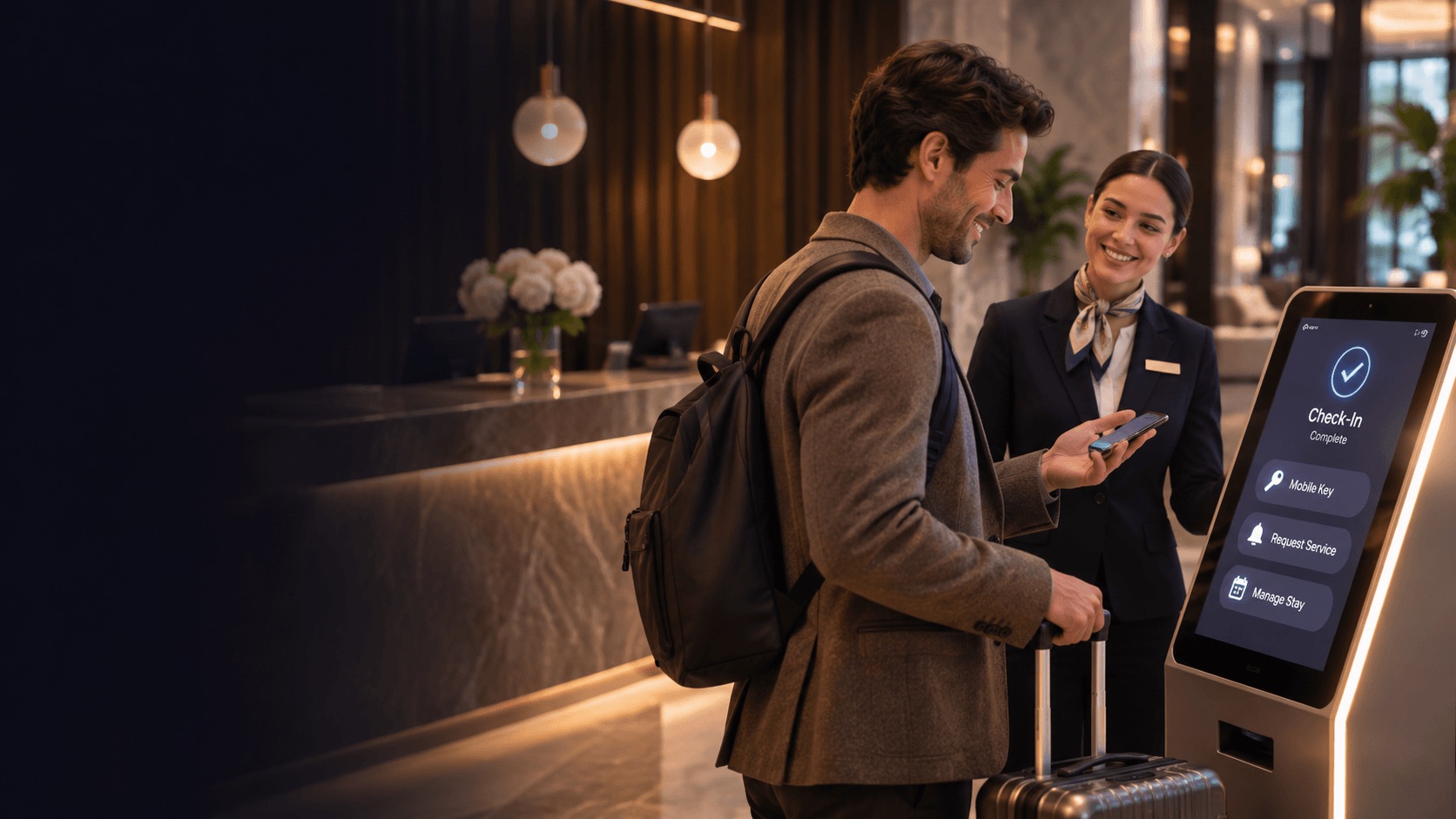
An “automated hotel” makes people picture a lobby with no staff and robots carrying towels down the corridor. Those hotels exist, but they are rare. Most hotels that automate well look ordinary to a guest. The difference is behind the scenes: the phone rings less, requests no longer get lost between shifts, and staff have time for the guests who need them.
This guide gives a practical order for automating a hotel. It starts with the tasks that take the most staff time for the least value, and it ends with the parts of hospitality you should keep human.
What an automated hotel actually means
There are two quite different ideas behind “hotel automation”:
- The fully staffless hotel. Self-service kiosks, digital keys, no front desk. This suits some budget and apartment-style properties, but it changes the whole product.
- Everyday automation. Staff stay, but the repetitive work around them is handled by software: answering the same questions, taking orders, routing requests, sending messages.
Most independent hotels, resorts and groups choose the second option, and for good reason. Guests still value people. What they don’t value is waiting on hold to ask what time breakfast ends.
So the useful question isn’t “how do we automate the hotel?” but “which tasks should we automate first?” A good rule: automate what is repetitive, predictable and high in volume. Keep human what needs judgment, empathy or a personal touch.
1. Automate the questions guests ask every day
Start with guest questions. They are usually the biggest repetitive load on a front desk:
- What time is breakfast? Is the pool heated?
- What’s the Wi-Fi password?
- Can I get a late checkout?
- Where can we eat nearby tonight?
Each one takes only a minute, but across a full house and a full day they add up to hours of phone calls and interrupted check-ins.
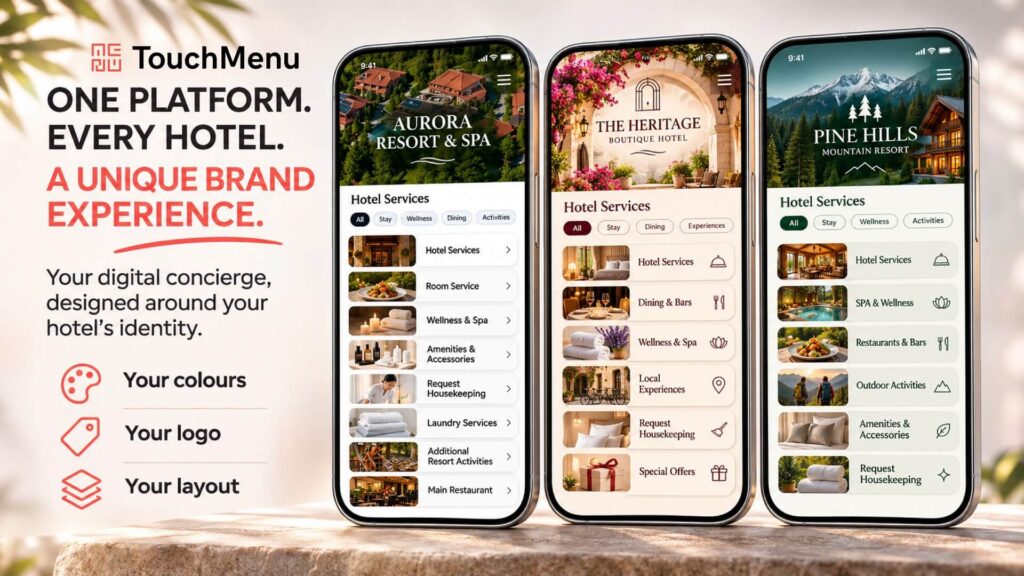
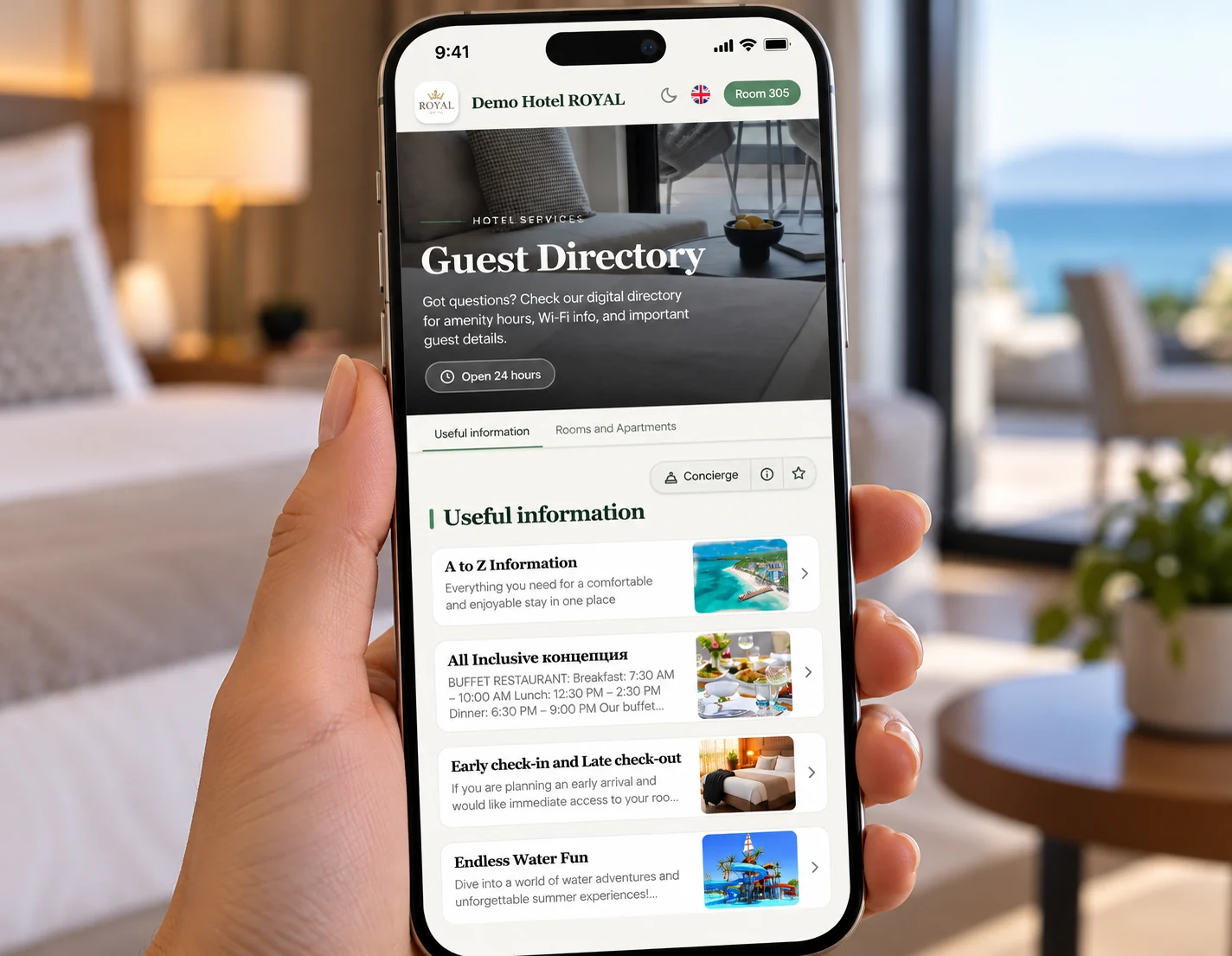
An AI concierge handles this layer. TouchMenu’s AI concierge, TouchBot, answers guest questions around the clock using the hotel’s own information (services, opening hours, menus, local tips) in the guest’s language. It doesn’t stop at answers. It can also help guests book, order and send requests, so the conversation ends in an action rather than a “please call reception”.
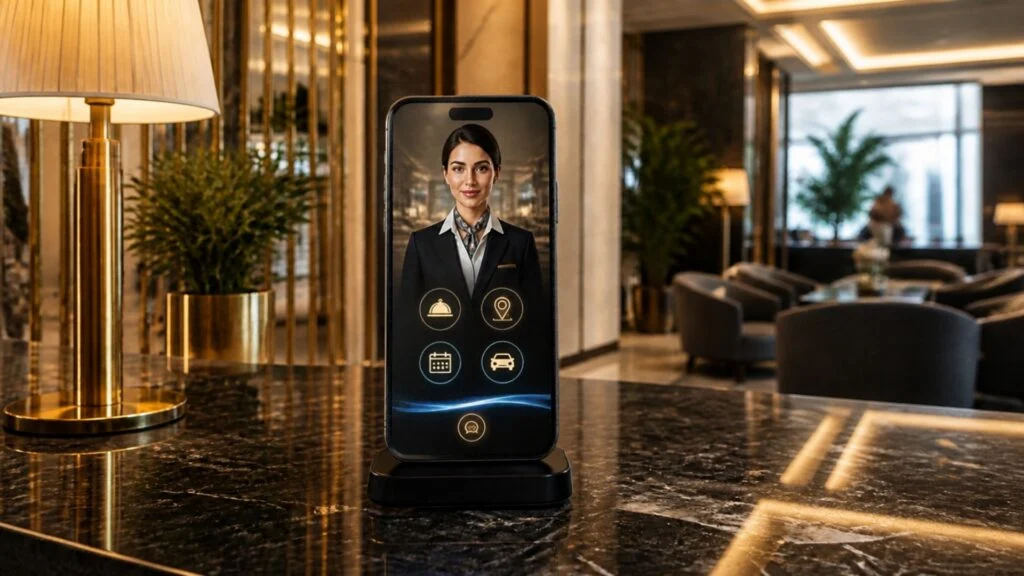
For hotels that want a hands-free option, the voice concierge lets guests ask questions and make requests by voice. Answers come from the hotel’s information, and requests are routed to the right team automatically.
What to track: calls and messages to the front desk per occupied room, and the share of questions answered without staff involvement.
Read more about AI for hotels.
2. Automate ordering and requests
The second layer is anything a guest wants to get: food, drinks, towels, a pillow, a repair.
In many hotels this still runs through a phone line and a paper folder. Orders are written down by hand, read back, re-keyed into the POS and walked to the kitchen. Mistakes are common, and when the line is busy, guests give up and don’t order at all.
Automating this means:
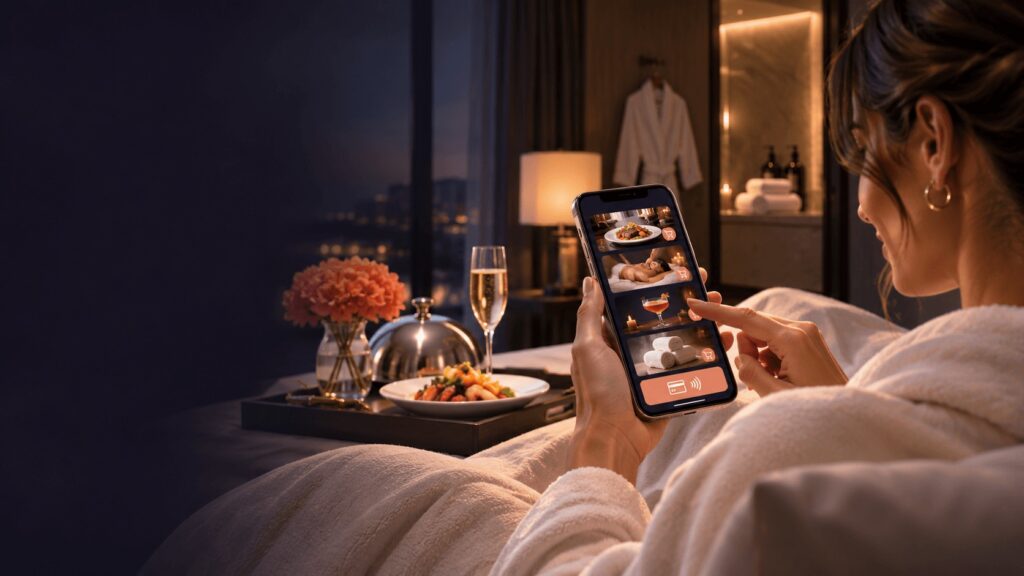
- Room service and F&B ordering from the guest’s phone. The guest scans a QR code or opens a link, browses the menu with photos and prices, and orders. There’s no app to download. A room service ordering system sends the order straight to the right outlet.
- Housekeeping and maintenance requests. Extra towels, a broken air conditioner, a cot for the baby. Guests submit them in a few taps instead of calling, and the request reaches the right department with the room number already attached.
- Spa, restaurant and activity bookings. Guests see real availability and book directly, without a back-and-forth by phone.
What to track: orders per occupied room, average order value, and the share of orders placed digitally rather than by phone.
3. Automate the hand-off to staff
This is the step most hotels skip, and it’s where automation pays off or falls apart.
Taking a request digitally doesn’t help much if it then lands in a shared inbox, a WhatsApp group or a sticky note at reception. Requests get missed at shift changes, two people do the same job, and nobody knows how long anything took.
Automating the hand-off means every guest request, complaint or internal job becomes a task with an owner:
- The task is assigned to (or claimed by) a staff member, who gets a push notification on their phone.
- Staff can discuss the task in its own chat, add photos (for example of a repaired fixture), pause it and mark it complete.
- Managers can see what’s open, what’s late and who’s handling what.
TouchMenu’s ServiceHub works this way, with guest request management and staff task management on the same platform guests use to order and ask questions. It is available in 11 languages, which matters for multilingual teams. Its reports show requests handled, average response time and average completion time.
Response time is the number to watch. Once you measure it, you can improve it, and guests notice the difference between towels in 8 minutes and towels in 40.
What to track: average response time, average completion time, and requests per department.
4. Automate messaging and upsells
The last layer is communication before and after the stay. Done by hand, it rarely happens consistently.
- Pre-arrival. A message a few days before arrival with the guest web app link, arrival details and offers such as a room upgrade, a spa slot or a dinner reservation. Guests plan their stay before they arrive, which is when they’re most open to booking extras. See pre-arrival messaging.
- In-stay. Relevant offers inside the guest web app: breakfast in bed on the first morning, a spa package on a rainy afternoon.
- Post-stay. A thank-you message with a short feedback form and, for happy guests, a nudge to leave a review. If a guest reports a problem, it reaches a manager before it turns into a public review.
What to track: ancillary revenue per occupied room, feedback response rate and review volume.
What to keep human
Automation should give staff time back, not remove them from the guest experience. Keep these human:
- The welcome. A warm greeting at arrival sets the tone for the stay. Automate the paperwork around it, not the smile.
- Service recovery. When something goes wrong, guests want a person who listens and fixes it. Automation can flag the problem fast, but a human should own the apology.
- VIPs and special occasions. Anniversaries, repeat guests, complex requests.
- Local expertise and judgment. An AI concierge can recommend a restaurant. Your concierge knows which table to ask for.
- Anything a guest explicitly asks a person for. Always make it easy to reach a human.
A useful test: if a task is the same every time, automate it. If it changes with the guest, keep a person on it.
Hotel automation scorecard
Use this table to see where your hotel stands today and what to automate first.
| Process | Manual effort today | What to automate with | Metric to track |
|---|---|---|---|
| Repetitive guest questions | Front desk phone calls and messages | AI concierge (TouchBot), voice concierge | Calls per occupied room; questions resolved without staff |
| Room service and F&B orders | Phone orders, re-keyed by hand | Digital ordering from the guest’s phone | Orders per occupied room; average order value |
| Housekeeping and maintenance requests | Calls, notes, radio | Digital requests from the guest web app | Requests per department |
| Hand-off to staff | Shared inbox, chat groups, paper | Task management (ServiceHub) | Average response time; average completion time |
| Spa and restaurant bookings | Phone back-and-forth | Online booking with live availability | Bookings per occupied room; utilisation |
| Pre-arrival and post-stay messages | Sent ad hoc, if at all | Automated guest messaging | Upsell conversion; feedback response rate |
Score each row from 1 (fully manual) to 3 (fully automated). Start with the lowest score in the area that takes the most staff hours. For most hotels that’s guest questions or the hand-off to staff.
How TouchMenu fits
TouchMenu is a hotel guest experience platform. Guests order room service, book the spa, reserve dinner, request housekeeping and ask TouchBot questions from their phone, with no app to install. On the staff side, ServiceHub turns those requests into tasks with owners and measured response times. It’s one digital concierge platform rather than separate tools that don’t talk to each other.
TouchMenu works with Mews and Clock PMS today, and it has been used for around seven years across more than 20,000 hotel rooms in 20+ countries.
See which guest and staff tasks TouchMenu can automate in your hotel: book a demo.
FAQ
What can be automated in a hotel?
The most common candidates are repetitive guest questions (answered by an AI concierge), room service and F&B ordering, housekeeping and maintenance requests, spa and restaurant bookings, the routing of requests to staff, and pre-arrival and post-stay guest messages. Check-in and room keys can be automated too, but many hotels start with the tasks that take up the most staff time each day.
Will automation replace hotel staff?
Not in most hotels. Good automation handles routine questions and requests so the team can focus on service that needs a personal touch: welcomes, problem solving and guests with support needs. Hotels facing staff shortages often use automation to keep service levels up without adding headcount.
How do I start automating a small hotel?
Pick one high-volume, repetitive process, usually guest questions or room service orders, and automate it with a tool that guests can use from their phone with no app download. Then make sure requests reach staff as tracked tasks rather than messages. Add messaging and upsells once those basics run smoothly.
How do I measure the impact of hotel automation?
Measure before and after: front-desk calls per occupied room, average response and completion times for guest requests, orders and ancillary revenue per occupied room, and guest feedback scores. Response time is often the quickest win to see.